



 Table Security
Table security is specifically for Reports Wand database tables, but as an added level of security, is only manage from the Wands Administrator user permission.
Reports Wand Table Security allows Wands Administrators to build a list of restricted tables, that cannot be used by Reports Wand Administrators to create report definitions. Similarly, Reports Wand Users will be unable to run any report definitions previously written with SQL referencing the restricted tables, or views, based on the restricted tables.
- Open Table Security Manager
- Search for database tables you would like to restrict access to.
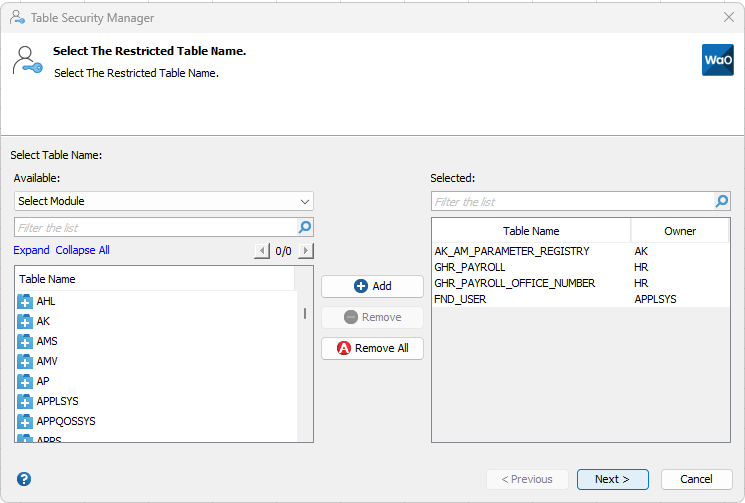
- Add the selected database tables to the right-hand table.
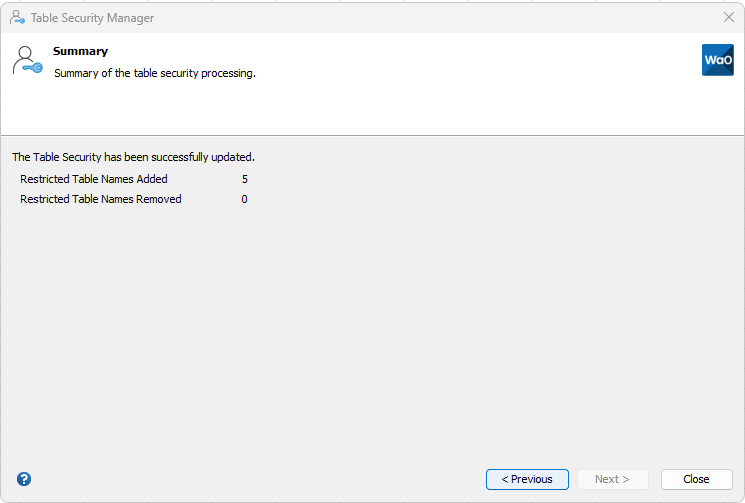
- Click Next to complete the process and view the summary.

As the Table Security Manager loads all database tables from Oracle e-Business Suite, the initial caching of the dialog may take a short time to load.