



Platform Logon
Wands for Oracle Cloud users are authenticated against the Platform Portal. Please see the Wands for Platform – Install Guide.pdf found in the release download zip file for full details on Platform setup.
Sign In
To log in to the Platform portal use your web browser navigate to https://app.insightsoftware.com/ and enter your user email address to continue.
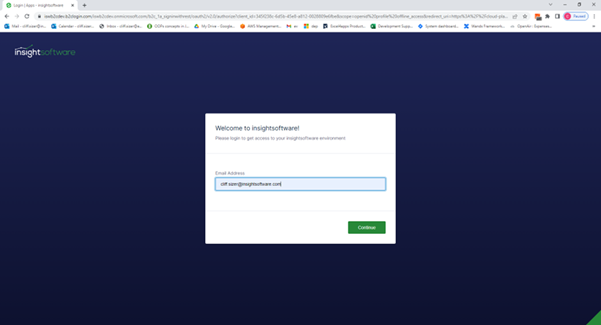
Approval the logon via your third-party authentication app.

After successful authentication, you will be directed to the Platform portal home page showing:
• The products for which you currently have licenses.
• If you are an account manager, you will see User Management options on the green sidebar on the left side of the screen.
• Information about other InsightSoftware products for which you currently do not have licenses.

Sign Out
To log out of the Platform portal, you can go to the bottom of the green sidebar on the left of the page and click on the circle showing your user account initials. Then, click Logout.